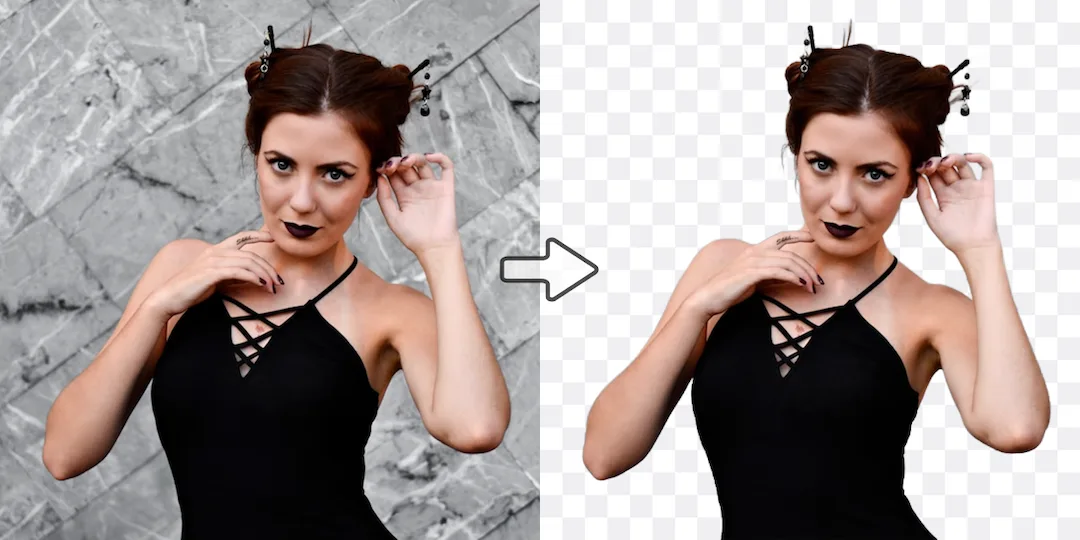
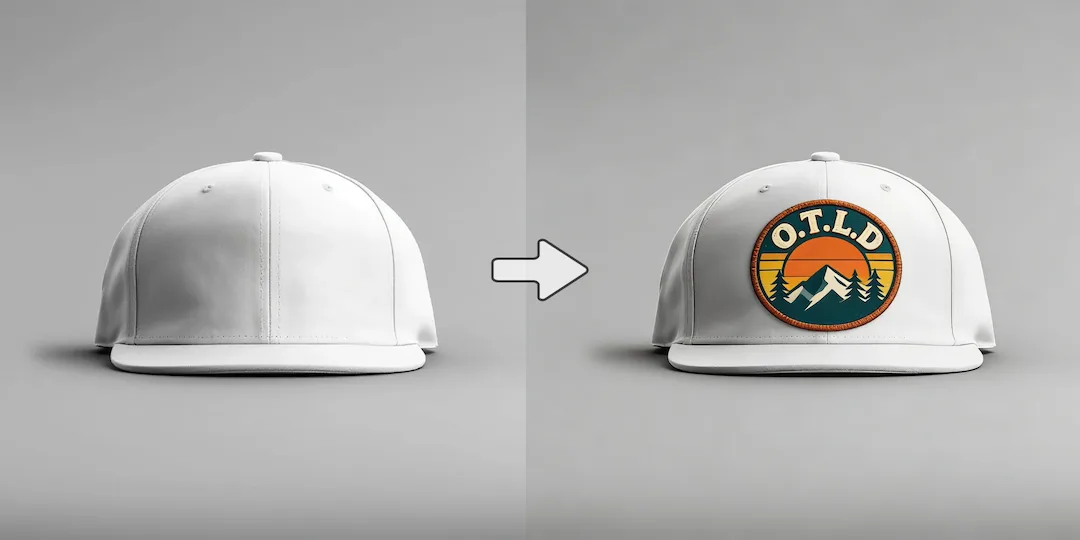
Use Vizlook for serious output
Choose Vizlook when the image needs to become a real campaign, product, or content asset that will be reused, edited, and shipped.

AI Tool Comparison
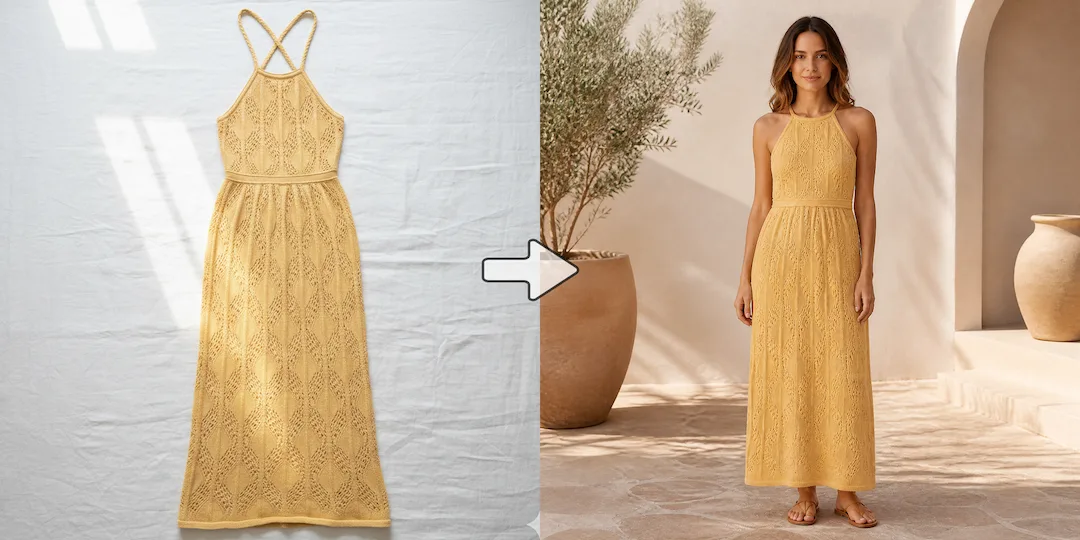
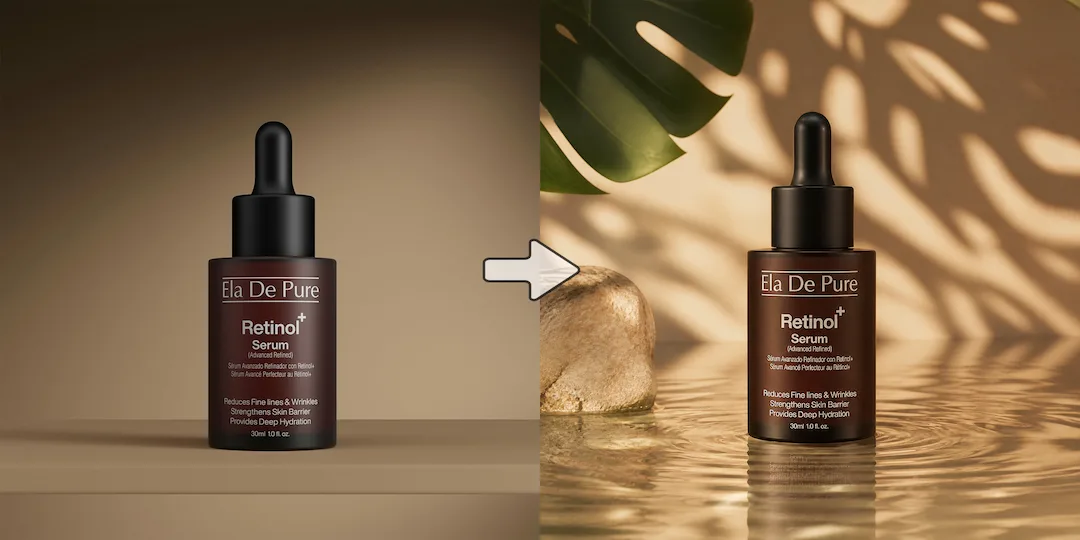
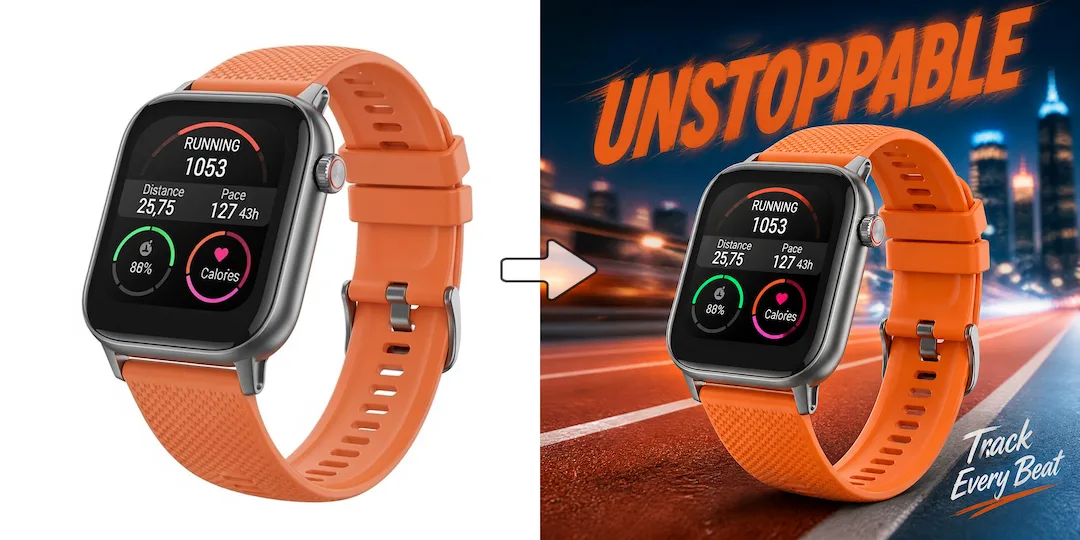
Vizlook is built for fashion and ecommerce teams that need faster, repeatable AI photo production. It turns one product image into model photos, product scenes, clean packshots, and campaign creatives with less cost and less tool switching. Raphael AI is attractive because it is free and easy to try. Vizlook is the better choice when you want more control, a more reliable workflow, and a tool you can keep using after the novelty wears off.
Decision guide
Choose Vizlook when the image needs to become a real campaign, product, or content asset that will be reused, edited, and shipped.
Choose Raphael when you want to try AI image generation with very little setup and do not need a deeper workflow afterward.
Many users begin with free tools, then switch when brand safety, repeatability, and post-generation workflow start to matter more than the price of entry.
Full comparison
Raphael AI is attractive because it lowers the barrier to trying AI image generation. Vizlook becomes stronger once that experimentation turns into real campaign work, ecommerce output, and repeat production needs.
Vizlook is still easy to start with, but it is designed for users who need a structured path from first image to finished commercial asset.
Raphael is appealing because it feels instant and free, which makes it easy for casual users to test without commitment.
Vizlook is better when the output needs to become a usable brand, campaign, or product image instead of just an interesting first result.
Raphael is better suited to quick generation than to a broader long-term workflow with refinement and reuse.
Vizlook gives more room to refine, version, and continue working after the first output appears.
Raphael is strongest when the goal is simply to get an image fast and stop there.
Better for marketers, ecommerce teams, and creators who need repeatable visual production.
Better for free experimentation, instant testing, and low-commitment image generation.
Why users switch
Most users do not leave free tools because free is bad. They leave because free and useful are not always the same thing when real marketing or ecommerce work begins.
Once someone starts creating images for an actual project, output quality, editability, and workflow control matter more than zero-friction access.
Casual experimentation and repeat production are very different use cases. Vizlook is better aligned with the second one.
In practical work, users often need to refine, repurpose, or continue working after the first result into ads, PDP images, or campaign variants.
Use cases
Raphael is a reasonable choice if you mainly want to try AI image generation quickly without much commitment.
Vizlook is the stronger option when you need images you can actually use in marketing, ecommerce, or creator workflows.
If you have outgrown free generators and now need more control, more consistency, and a better workflow for commercial output, Vizlook is the better next step.
Why Vizlook wins
Vizlook gives users a reason to stay once image generation becomes part of real work and not just a free test.
That matters when the image needs to be useful, brand-safe, and reusable, not just interesting.
A casual free tool and a production-friendly image workflow are not the same thing.
Users who need reliable output usually value workflow depth more than zero-friction novelty.
Try it yourself
If you are deciding between Vizlook and Raphael, test the kind of image work you actually plan to keep doing. The right tool is the one that still feels useful after the first few prompts and supports the rest of the workflow.
Try Vizlook FreeFAQ
Yes. Vizlook is a strong alternative if you want more than free experimentation and need a better workflow for real image creation, reuse, and iteration.
The main reason is depth. Raphael is appealing because it is free and easy, but many users eventually want more control, stronger workflow, and better long-term value.
Raphael is still good enough if your main goal is just to try AI image generation with as little friction as possible and you do not need a deeper workflow afterward.
Vizlook is generally better for serious image work because it is better suited to repeatable workflows, practical output, and users who need more than one-click generation.
In most cases, yes. Marketers and creators usually need output they can refine, version, and actually use, which makes workflow quality more important than the initial appeal of a free tool.
Vizlook is a strong Raphael alternative if you want more control, a better image workflow, and a tool that continues to be useful beyond casual experimentation.
More comparisons
Best for teams choosing between Midjourney concept art and Vizlook's faster workflow for product photos, ads, and launch visuals.
Compare Gemini's assistant-style image help with Vizlook's dedicated workflow for repeatable ecommerce and marketing visuals.
See whether a general AI assistant or an image-first workflow is better for campaign creatives, product pages, and repeat visual output.
Best for teams comparing Canva's design suite with Vizlook's image-first workflow for source assets, product photos, and campaign visuals.
Compare Photoroom's seller-focused editing and listing workflow with Vizlook's broader AI photo workflow for models, scenes, packshots, and campaign assets.
Compare Claid's product-photo enhancement and API workflow with Vizlook's image-first workflow for model photos, product scenes, and launch-ready visuals.
Best for sellers comparing a utility-heavy editor with a full product photo workflow for cleanup, scenes, packshots, and promo assets.
Compare Photo AI's training-heavy portrait workflow with Vizlook's faster path to headshots, creator photos, and brand-ready portraits.
Compare Stable Diffusion's open model freedom with Vizlook's faster workflow for non-technical teams shipping ecommerce and campaign assets.
Best for teams deciding between model-first Flux workflows and Vizlook's faster route to product imagery, launch assets, and ad creatives.
Compare Claude for briefs and thinking with Vizlook for image production when the final deliverable is a campaign or product visual.
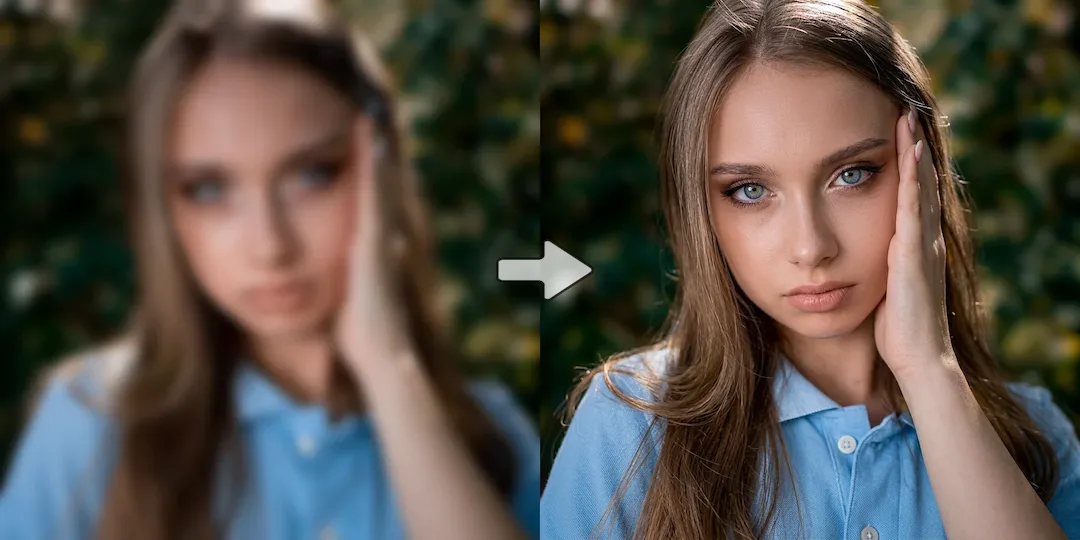
See when Remini is enough for enhancement and when Vizlook is better for turning repaired images into ecommerce and campaign assets.
Compare OpenArt's exploration-heavy creator platform with Vizlook's cleaner workflow for product images, ads, and practical brand visuals.
More tools