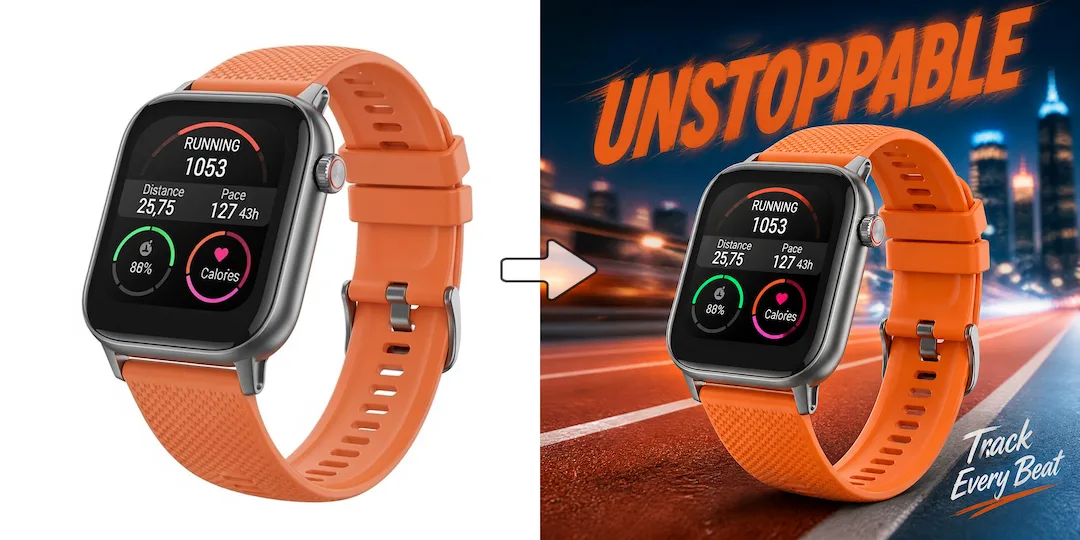
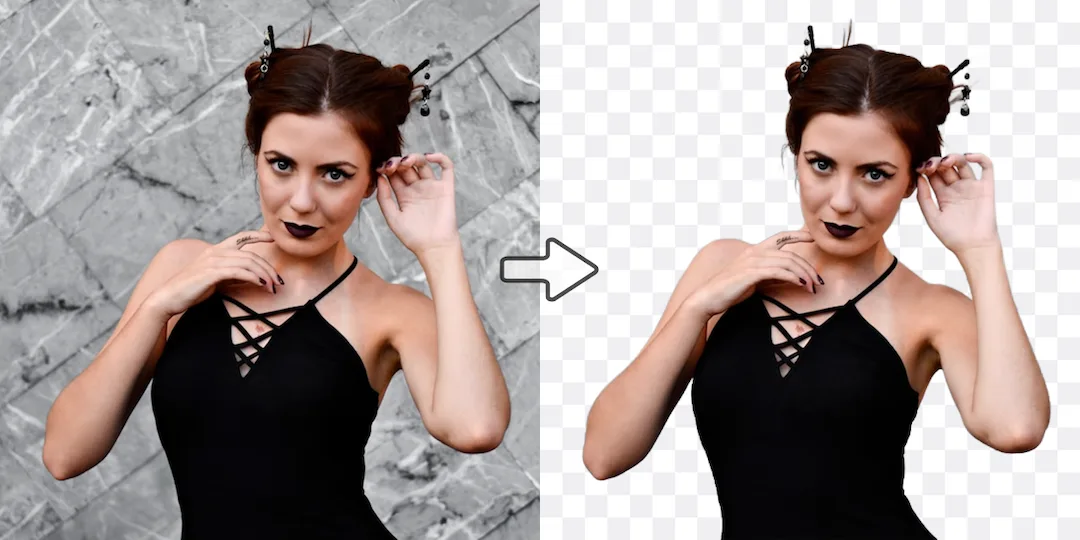
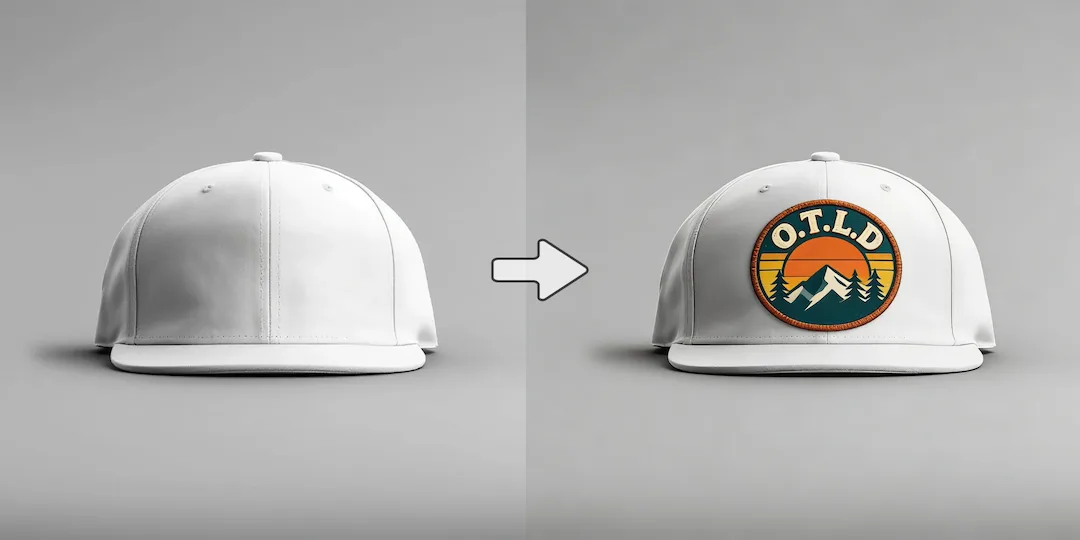
Use Vizlook for asset production
Choose Vizlook when you need to produce visuals for campaigns, storefronts, social content, or product launches on an ongoing basis.

AI Tool Comparison
Vizlook is built for fashion and ecommerce teams that need faster, repeatable AI photo production. It turns one product image into model photos, product scenes, clean packshots, and campaign creatives with less cost and less tool switching. Claude is excellent as a thinking partner for writing, coding, research, and reasoning. Vizlook becomes the better fit when visual creation is the main task and you want an interface built around producing and refining images instead of broad AI collaboration.
Decision guide
Choose Vizlook when you need to produce visuals for campaigns, storefronts, social content, or product launches on an ongoing basis.
Choose Claude when the real job is writing, analysis, research, or complex thinking and images are only one supporting piece.
Teams increasingly want one AI tool to do everything, but a reasoning assistant and an image-production workflow solve different bottlenecks.
Full comparison
Claude and Vizlook are not substitutes in the strict sense because they solve different jobs. Claude is strong for thinking work. Vizlook is stronger when the output that matters is a finished image asset for a campaign, product page, or launch.
Vizlook is built around making images that can move into production, from first prompt through refinement and asset delivery.
Claude is built around reasoning, writing, research, coding help, and collaborative problem solving.
Vizlook is stronger when visuals are the main output and need to be produced repeatedly across campaigns and content cycles.
Claude is more useful when image work is secondary to planning, ideation, and other text-heavy tasks.
Vizlook fits as the execution layer for producing product images, portraits, and ad creatives.
Claude fits as the strategy and briefing layer when teams still need help thinking through what to make.
Vizlook is easier to hand to image-focused marketers, creators, and ecommerce teams.
Claude is easier to hand to writers, analysts, developers, and teams solving broader knowledge tasks.
Better for image-first work where the final deliverable is a visual asset.
Better for reasoning-first work where visuals are only one supporting output.
Why users switch
Claude is not weak. It is just optimized for a different category of work. When users search for an alternative in this context, they usually want a dedicated visual workflow instead of a general AI workspace.
Claude is excellent at helping users think. Some users then want a tool that is better at helping them produce visual assets directly.
When visuals are the main deliverable, a specialist product often feels faster and more natural than a broad assistant environment.
Vizlook makes more sense when teams need ongoing image creation for campaigns, ecommerce, product launches, or content pipelines.
Use cases
Claude is the better option if you want help solving complex problems, learning, or creating text-heavy deliverables.
Vizlook is stronger when images are the main outcome and you want a cleaner path to finished assets.
If your workflow depends on repeat visual output for campaigns, PDPs, and social content, Vizlook is generally the more practical choice.
Why Vizlook wins
Vizlook is built around making visuals, which keeps users closer to the task that matters.
That helps when you do not need a reasoning partner and only want to generate or refine images efficiently.
An image-focused product usually feels more natural once visuals become a recurring part of work.
This matters for ads, social posts, ecommerce imagery, and other content tasks where speed and usability matter.
Try it yourself
If your main deliverable is a visual asset, use a tool optimized for image work. If your main deliverable is insight, writing, or code, a broader AI assistant may make more sense.
Try Vizlook FreeFAQ
Yes. Claude is a strong general AI assistant, but Vizlook is better positioned as a dedicated image workflow when images are the main deliverable.
Claude is better for reasoning, writing, research, coding help, and complex problem solving where conversation and analysis are the main value.
Vizlook is usually the better fit when marketers need repeat visual output for campaigns, content, and ecommerce assets.
Yes. Many teams can still use Claude for ideation, briefs, messaging, or prompt thinking, then move to Vizlook to create the actual image assets.
The main reason is specialization. A focused image tool often feels faster and more effective when the goal is producing visuals, not discussing them.
Vizlook is a strong choice if you want a more direct, image-first workflow for creation, refinement, and practical output.
More comparisons
Best for teams choosing between Midjourney concept art and Vizlook's faster workflow for product photos, ads, and launch visuals.
Compare Gemini's assistant-style image help with Vizlook's dedicated workflow for repeatable ecommerce and marketing visuals.
See whether a general AI assistant or an image-first workflow is better for campaign creatives, product pages, and repeat visual output.
Best for teams comparing Canva's design suite with Vizlook's image-first workflow for source assets, product photos, and campaign visuals.
Compare Photoroom's seller-focused editing and listing workflow with Vizlook's broader AI photo workflow for models, scenes, packshots, and campaign assets.
Compare Claid's product-photo enhancement and API workflow with Vizlook's image-first workflow for model photos, product scenes, and launch-ready visuals.
Best for sellers comparing a utility-heavy editor with a full product photo workflow for cleanup, scenes, packshots, and promo assets.
Compare Photo AI's training-heavy portrait workflow with Vizlook's faster path to headshots, creator photos, and brand-ready portraits.
See when a free image generator is enough and when Vizlook is better for reliable product visuals, ads, and repeat commercial work.
Compare Stable Diffusion's open model freedom with Vizlook's faster workflow for non-technical teams shipping ecommerce and campaign assets.
Best for teams deciding between model-first Flux workflows and Vizlook's faster route to product imagery, launch assets, and ad creatives.
See when Remini is enough for enhancement and when Vizlook is better for turning repaired images into ecommerce and campaign assets.
Compare OpenArt's exploration-heavy creator platform with Vizlook's cleaner workflow for product images, ads, and practical brand visuals.
More tools