Make one cleanup step go further
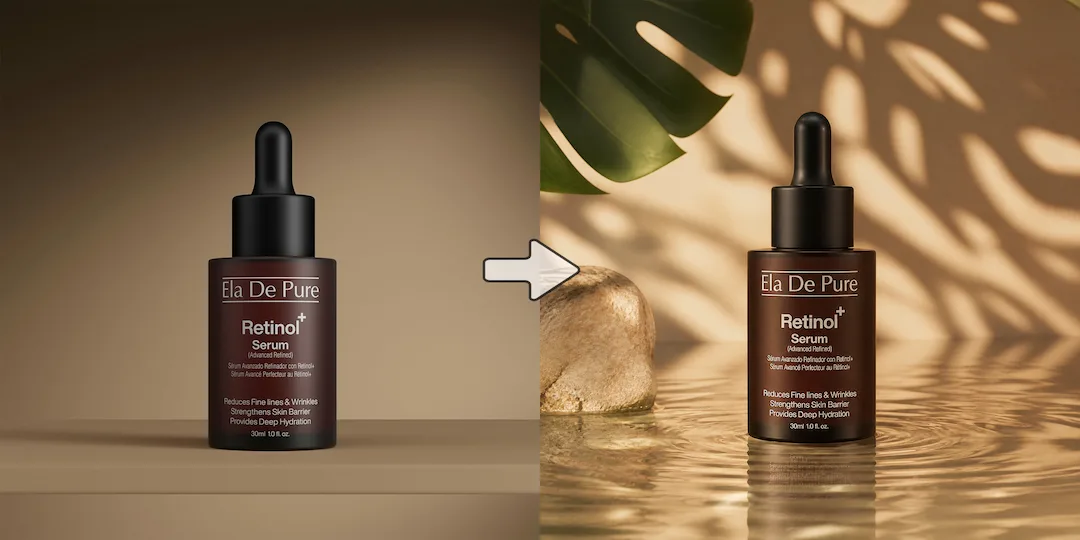
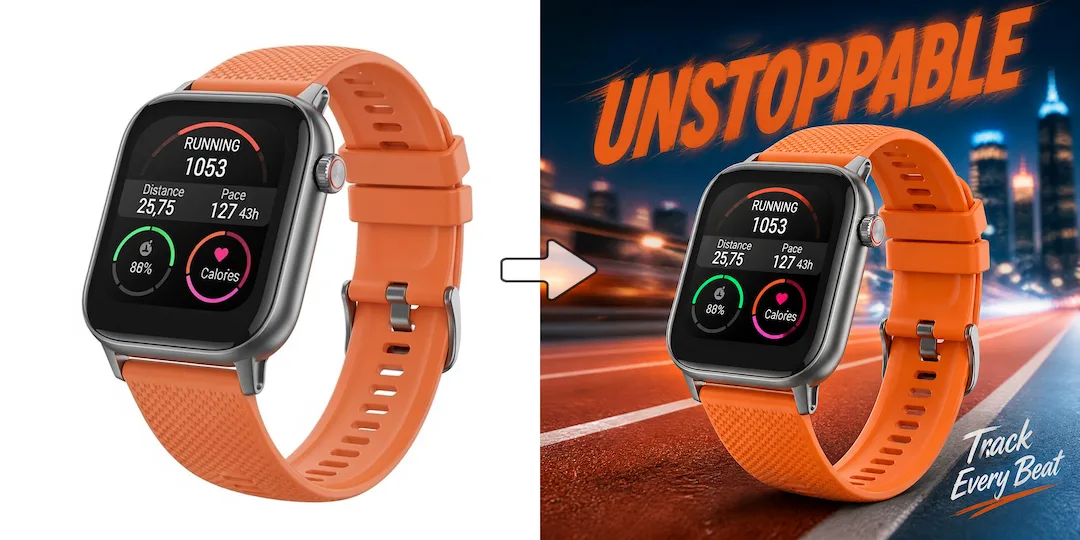
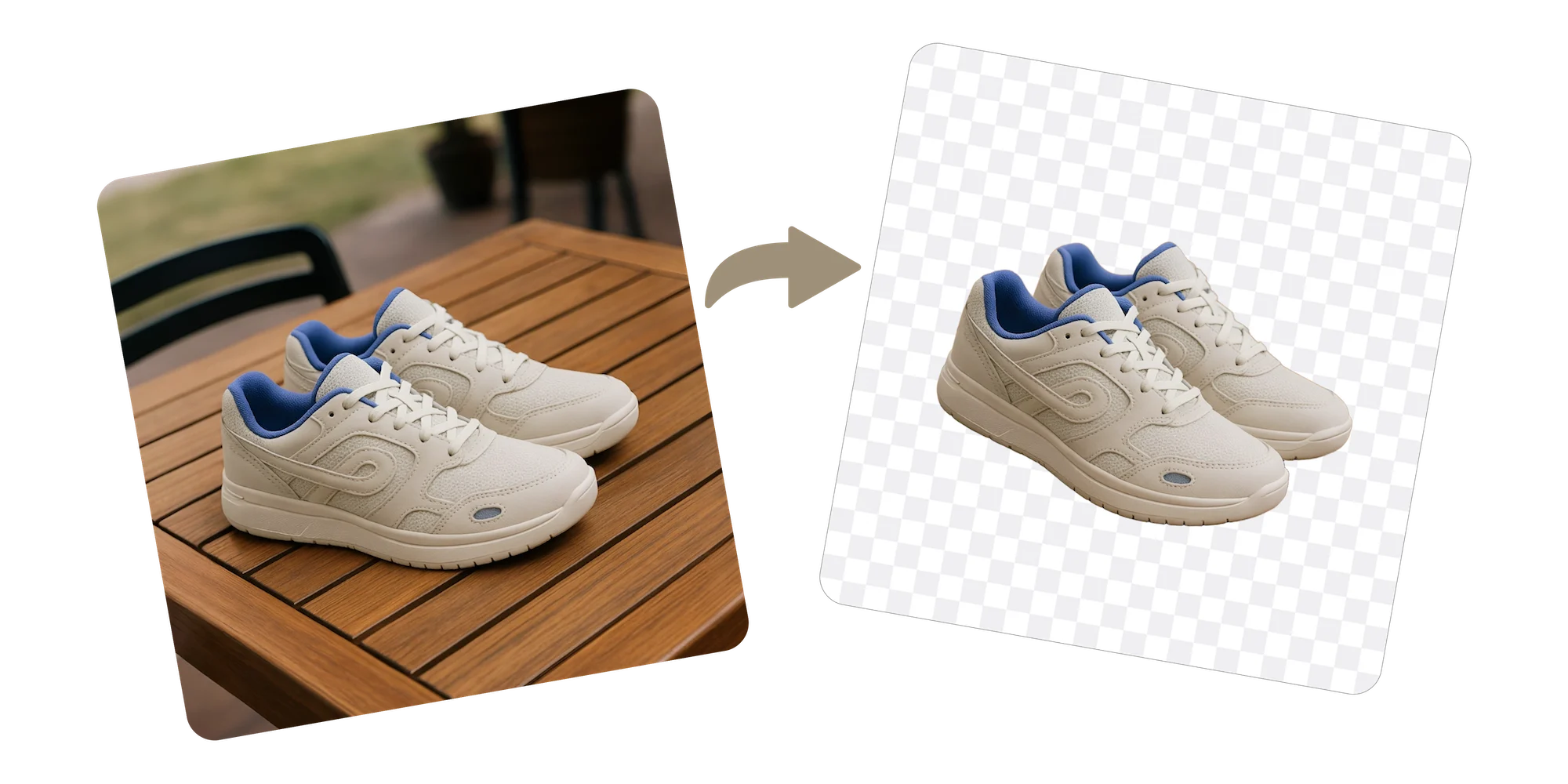
A clean cutout is much easier to place into scenes, posters, comparison layouts, and campaign assets than a raw product photo.

Transparent product assets
Vizlook turns raw product images into clean cutouts your team can reuse across staging, posters, catalogs, comparison layouts, and campaign assets. This is useful when background removal is not the final job, but the starting point for broader merchandising work.
Try it out
Upload your image below and let our AI do the heavy lifting. No design skills required.
Benefits
A clean cutout is much easier to place into scenes, posters, comparison layouts, and campaign assets than a raw product photo.
Background removal is one of the most repeated tasks in product image production. Vizlook helps teams clear it faster.
Once the product is isolated, the same asset is easier to enhance, stage, and repurpose across storefronts, ads, and marketplace systems.
How it works
Choose the raw item image you want to isolate from its background.
Let Vizlook remove the background while keeping edges and product detail clean.
Export the cutout for staging, poster creation, store pages, and launch assets.
Start now
Join thousands of professionals and creators who use Vizlook to power their creative workflows.
Get Started For FreeFAQ
Because cutouts are reusable building blocks. They make staging, campaign creative, and catalog production much faster.
Yes. Product cutout generation is especially useful when teams need consistency and speed across many SKUs.
Use a cutout when the product needs to be reused in posters, comparison charts, feature callouts, staged scenes, or other layouts where a transparent asset is more flexible than a fixed white background.
Yes. Clean cutouts are especially useful for posters, comparison charts, feature callouts, and staged creative where the product needs to sit cleanly in a new layout.
Cutouts isolate the product for flexible reuse in many downstream workflows, while white background product photos are more specifically aimed at listing-ready packshot presentation.
Explore
Create white background product photos for listings, catalogs, and storefront updates. Standardize product presentation faster across growing SKU counts.
Create Amazon-ready white background product images for main listings. Clean up more SKUs faster and keep Amazon image prep simple and consistent.
Remove backgrounds from Shopify product photos and create cleaner listing images faster. Standardize store visuals without manual masking or extra editing.
Generate catalog product images for ecommerce, marketplaces, and SKU updates. Standardize large assortments faster across channels.
Create AI product photography for ecommerce, ads, and launches. Turn one plain product image into polished scenes and merchandising assets faster.
Create Amazon product images for listings, secondary images, and updates. Build a fuller Amazon image set from one source photo faster.
More tools