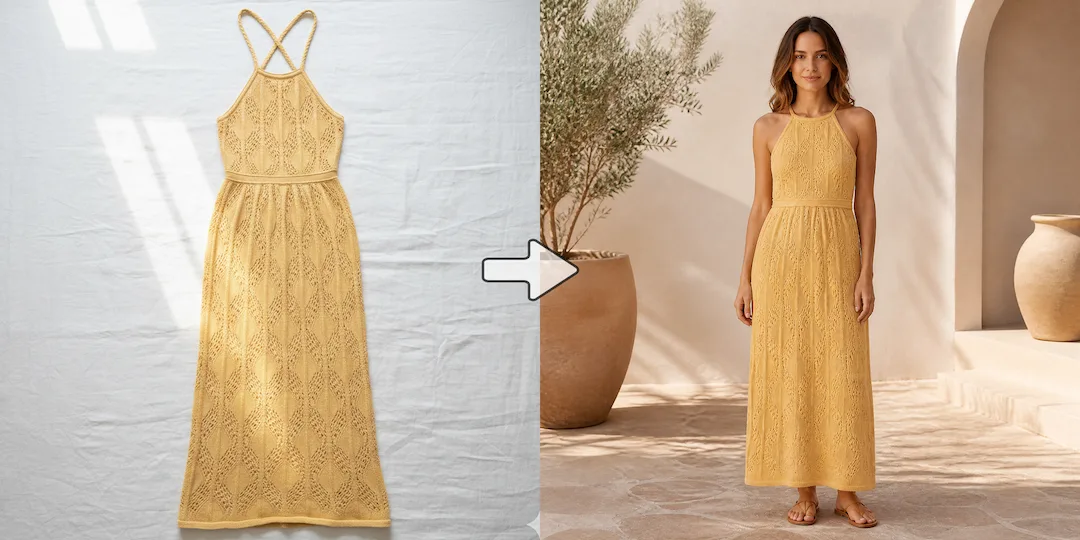
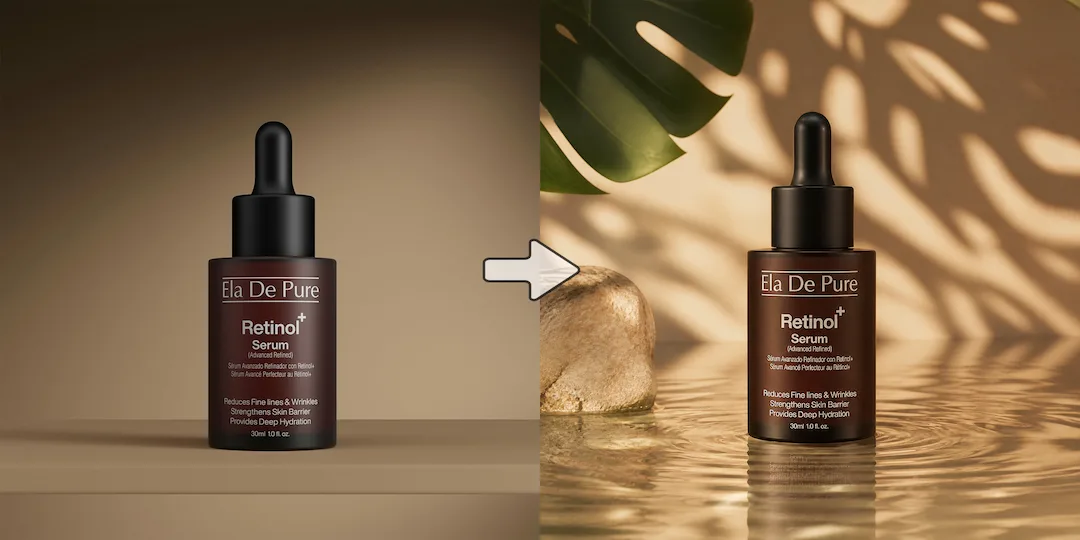
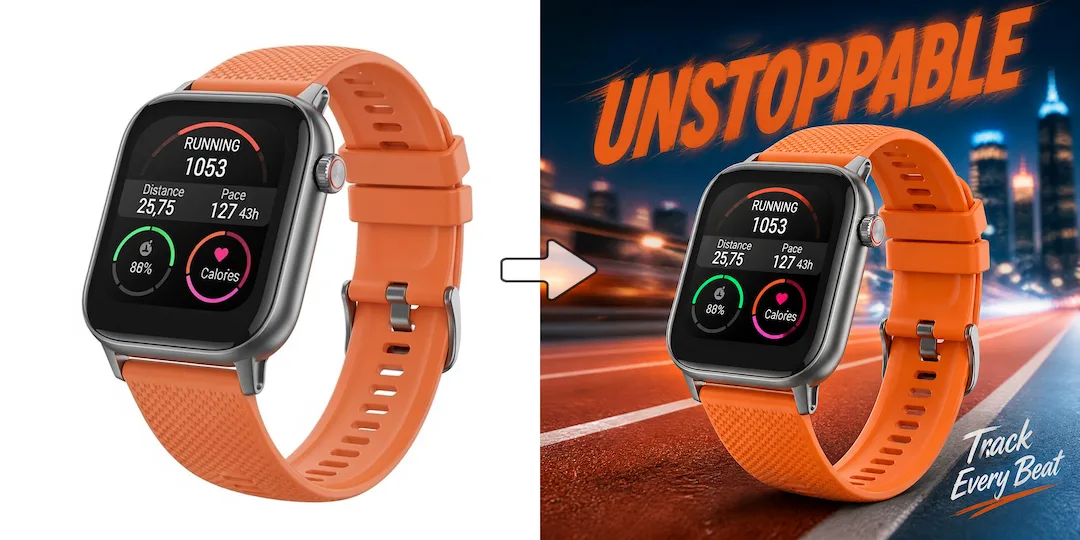
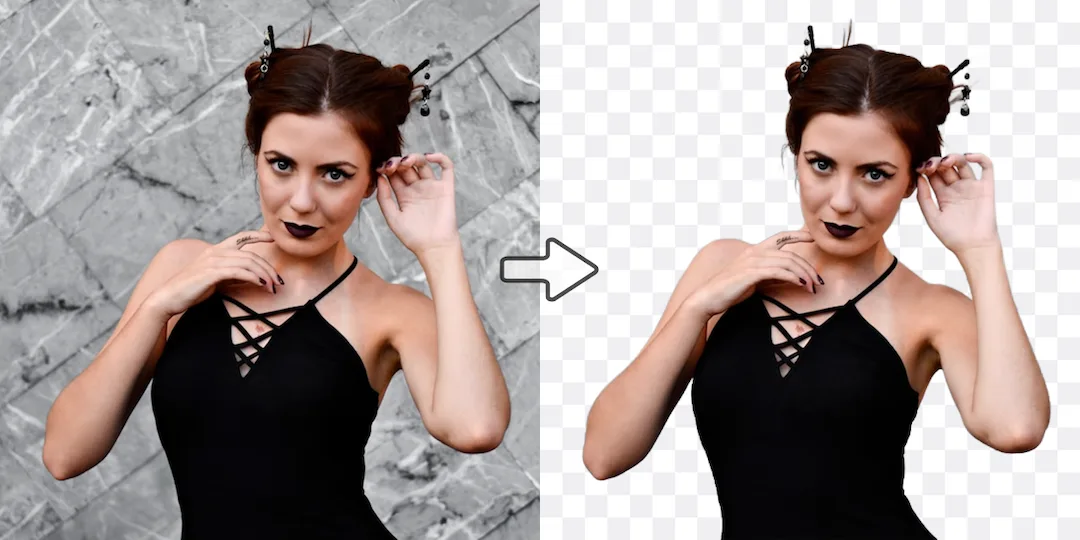
Use Vizlook for production velocity
Choose Vizlook when your team cares more about making and shipping images than about evaluating model variants.

AI Model Comparison
Vizlook is built for fashion and ecommerce teams that need faster, repeatable AI photo production. It turns one product image into model photos, product scenes, clean packshots, and campaign creatives with less cost and less tool switching. Flux models are impressive for image quality and speed. Vizlook is often the stronger option when you care less about model selection itself and more about getting through a full create-and-edit workflow efficiently.
Decision guide
Choose Vizlook when your team cares more about making and shipping images than about evaluating model variants.
Choose Flux when the model itself is the product value you care about and you are comfortable working in a model-first environment.
Many users start by chasing the strongest model, then switch once they realize the best benchmark is not always the best operational workflow.
Full comparison
Flux is model-first. Vizlook is workflow-first. That difference becomes obvious when teams stop benchmarking models and start producing visuals every week for campaigns, product launches, and repeat use.
Vizlook centers the full working flow from generation to refinement to delivery.
Flux is primarily about high-performing image models and what those models can do.
Vizlook reduces decision-making for teams that want to open the tool, make something useful, and keep moving.
Flux is more attractive to users who already think in terms of models, variants, and capability trade-offs.
Vizlook is stronger when edits, scene swaps, and follow-up changes are normal parts of the weekly workflow.
Flux can be excellent at generation, but the surrounding workflow depends more on where and how the model is accessed.
Vizlook is easier for marketers and ecommerce teams that care about finished assets more than model taxonomy.
Flux is more naturally suited to creators and technical users evaluating raw model quality and behavior.
Better for integrated, repeatable image workflows tied to campaigns and product pages.
Better for users who care most about access to strong image models and model-level performance.
Why users switch
Flux has strong model credibility, especially for users who care about generation quality and speed. But many teams are not buying a model. They are trying to finish visual work faster.
Choosing between variants and capabilities can be useful, but it also adds friction when the task is straightforward and deadline-driven.
A lot of users prefer a product that feels coherent from prompt to final asset instead of a model showcase plus extra steps.
Vizlook is easier to use when the user is a marketer, founder, or creator who cares about deliverables more than model taxonomy.
Use cases
Flux is a strong option if you are comparing model quality, speed, and high-end image generation capabilities directly.
Vizlook is better when you need a practical workflow that supports repeat creation, fast edits, and consistent commercial output.
If visuals support campaigns, product pages, and social content, Vizlook is usually the more usable fit.
Why Vizlook wins
Vizlook makes it easier to move from idea to finished asset without breaking the flow around model selection.
You do not need to think like a model evaluator to get value from the tool.
When you create visuals every day, fewer decisions and less overhead become a real advantage.
That matters when generation is only one step in a broader content or ecommerce workflow.
Try it yourself
If you are comparing Vizlook and Flux, test the kind of image job you actually do every week. The better option is usually the one that keeps the whole task moving, not just the first generation.
Try Vizlook FreeFAQ
Yes. Flux is strong at the model level, while Vizlook is often stronger at the product and execution level when image creation is a recurring business task.
Vizlook is usually better for everyday image work because it focuses more on helping users finish practical tasks rather than navigate model-first choices.
Flux is still the better choice if you care deeply about image models, variants, and top-end generation capability as the main point of comparison.
Vizlook is often the better fit because it reduces workflow friction and gets teams to usable visuals faster.
The main reason is workflow simplicity. Some users decide they do not need to think about models every time they need a polished visual asset.
Vizlook is a strong alternative if you want less model overhead and a smoother path from idea to final image.
More comparisons
Best for teams choosing between Midjourney concept art and Vizlook's faster workflow for product photos, ads, and launch visuals.
Compare Gemini's assistant-style image help with Vizlook's dedicated workflow for repeatable ecommerce and marketing visuals.
See whether a general AI assistant or an image-first workflow is better for campaign creatives, product pages, and repeat visual output.
Best for teams comparing Canva's design suite with Vizlook's image-first workflow for source assets, product photos, and campaign visuals.
Compare Photoroom's seller-focused editing and listing workflow with Vizlook's broader AI photo workflow for models, scenes, packshots, and campaign assets.
Compare Claid's product-photo enhancement and API workflow with Vizlook's image-first workflow for model photos, product scenes, and launch-ready visuals.
Best for sellers comparing a utility-heavy editor with a full product photo workflow for cleanup, scenes, packshots, and promo assets.
Compare Photo AI's training-heavy portrait workflow with Vizlook's faster path to headshots, creator photos, and brand-ready portraits.
See when a free image generator is enough and when Vizlook is better for reliable product visuals, ads, and repeat commercial work.
Compare Stable Diffusion's open model freedom with Vizlook's faster workflow for non-technical teams shipping ecommerce and campaign assets.
Compare Claude for briefs and thinking with Vizlook for image production when the final deliverable is a campaign or product visual.
See when Remini is enough for enhancement and when Vizlook is better for turning repaired images into ecommerce and campaign assets.
Compare OpenArt's exploration-heavy creator platform with Vizlook's cleaner workflow for product images, ads, and practical brand visuals.
More tools