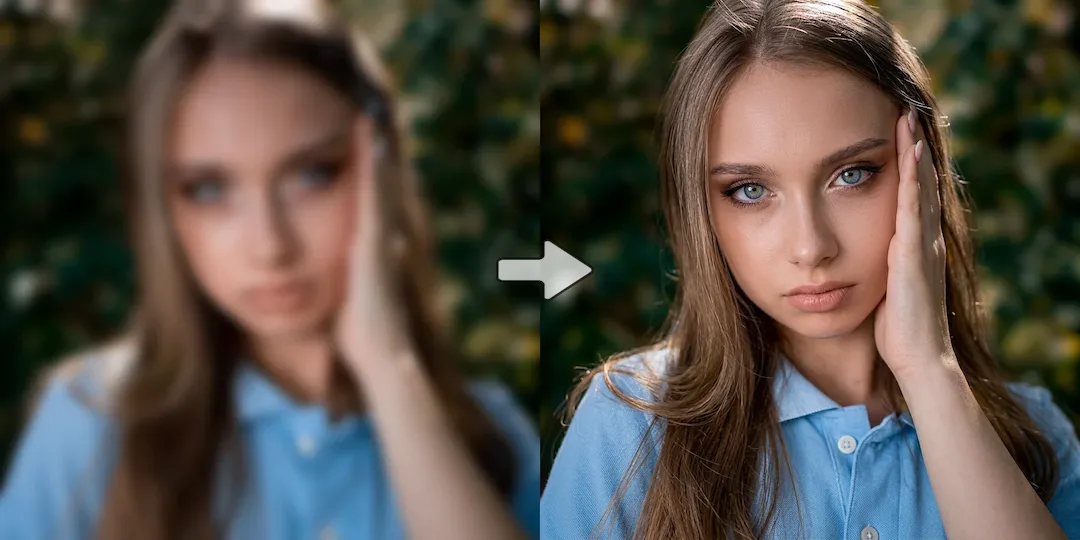
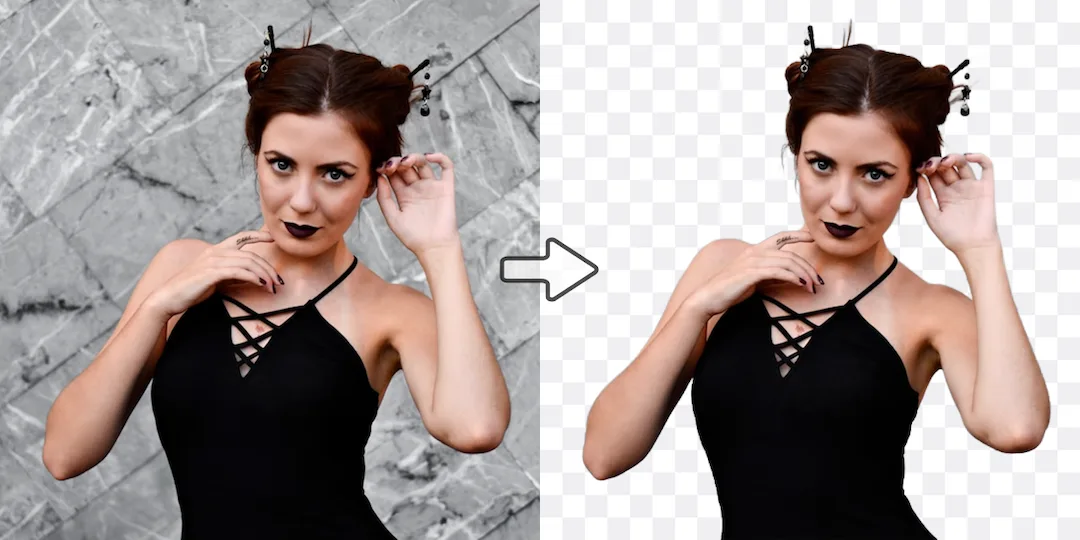
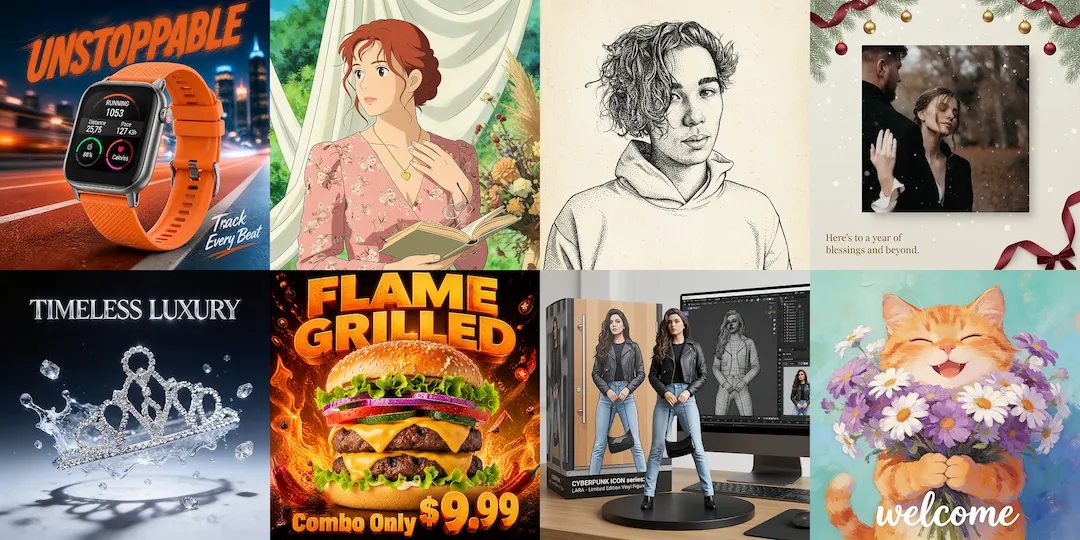
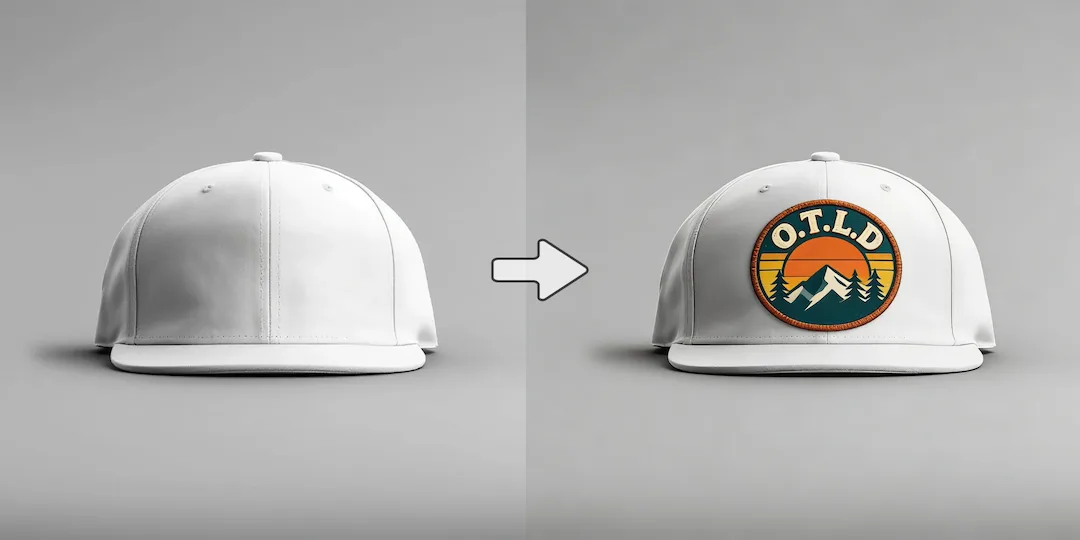
Use Vizlook for fast usable portraits
Choose Vizlook when you need headshots, founder portraits, or creator photos soon and do not want setup to become its own project.
AI Portrait Comparison
Photo AI is strong when you want a more model-driven AI photography workflow. Vizlook is often the better option if you want to get to useful headshots, creator portraits, and brand visuals faster with less setup and less mental overhead.
Decision guide
Choose Vizlook when you need headshots, founder portraits, or creator photos soon and do not want setup to become its own project.
Choose Photo AI when the trained-model process itself is part of the value and you are comfortable investing extra effort up front.
People are often excited by AI photography in theory, then switch once they realize they mainly need publishable portraits, not a heavier training workflow.
Full comparison
Photo AI leans into a trained-model photography workflow. Vizlook is better when the priority is getting to a usable headshot, creator portrait, or founder image quickly without turning setup into the main project.
Vizlook gets you to usable headshots and brand portraits with less upfront setup and less process friction.
Photo AI can offer strong personalized results, but the workflow often asks for more setup, training, and patience before value appears.
Vizlook is better when the priority is moving from upload to usable portrait quickly for immediate business or creator use.
Photo AI is better when you are willing to trade speed for a more involved model-driven portrait workflow.
Vizlook fits LinkedIn headshots, founder bios, creator profiles, speaker images, and other portraits that need quick reuse across surfaces.
Photo AI fits users who want a more identity-centered AI photo system shaped around one trained persona.
Vizlook makes it easier to keep exploring different portrait directions without feeling locked into one workflow style.
Photo AI makes more sense if you are comfortable treating the workflow like a longer-term photo-generation system.
Better for fast headshots, creator portraits, and brand-ready images with minimal overhead.
Better for users who specifically want a more dedicated AI photography identity workflow.
Why users switch
Many users love the promise of AI photography, but do not actually want a heavy process. They want good portraits and brand visuals without turning setup into the whole project.
When someone only needs a headshot, profile image, or creator photo, long setup starts to feel like unnecessary work.
Not every user wants to think in terms of building and managing a persistent AI identity workflow.
Vizlook is better for users who want portraits plus the ability to move into founder bios, social visuals, landing page imagery, and adjacent image tasks without switching products.
Use cases
Vizlook is the better fit if you want a polished result quickly without much process friction.
Photo AI is stronger if you specifically want a more involved, model-based AI photographer workflow.
Vizlook works better when you need practical portraits and related visuals for creator profiles, speaker pages, or brand content without spending too much time on setup.
Why Vizlook wins
Vizlook is a better fit for users who want output fast and do not want the workflow itself to become a project.
Not everyone wants to think like a power user. Vizlook works better for users who simply want good portraits and usable brand images.
The faster someone gets to a usable portrait, the more likely the product fits real-world needs like LinkedIn updates, founder pages, and creator content.
That matters if your portrait needs expand into other personal brand or content assets.
Try it yourself
If you are choosing between Vizlook and Photo AI, do not just compare features. Compare how much effort it takes to get to a usable headshot, creator portrait, or brand image for your real need.
Create AI PortraitsFAQ
Yes. Vizlook is a strong alternative if you want AI portraits and headshots with less setup friction and a faster path to usable output.
The main reason is simplicity. Many users want the result of AI photography without carrying the full weight of a training-centered workflow.
Photo AI makes more sense when the model-driven process is part of the value for you rather than a barrier and you specifically want a training-based AI photographer experience.
Vizlook is usually better because the workflow is lighter, faster, and more practical for creator profiles, founder bios, and other usable portrait outputs.
Yes. Vizlook is often a better fit when you want portraits that work across personal branding, founder pages, social profiles, and related content assets.
Vizlook is a strong option if you want portrait and headshot output without the heavier setup that often comes with model-centered AI photography tools.
More comparisons
Best for teams choosing between Midjourney concept art and Vizlook's faster workflow for product photos, ads, and launch visuals.
Compare Gemini's assistant-style image help with Vizlook's dedicated workflow for repeatable ecommerce and marketing visuals.
See whether a general AI assistant or an image-first workflow is better for campaign creatives, product pages, and repeat visual output.
Best for teams comparing Canva's design suite with Vizlook's image-first workflow for source assets, product photos, and campaign visuals.
Compare Photoroom's seller-focused editing and listing workflow with Vizlook's broader AI photo workflow for models, scenes, packshots, and campaign assets.
Compare Claid's product-photo enhancement and API workflow with Vizlook's image-first workflow for model photos, product scenes, and launch-ready visuals.
Best for sellers comparing a utility-heavy editor with a full product photo workflow for cleanup, scenes, packshots, and promo assets.
See when a free image generator is enough and when Vizlook is better for reliable product visuals, ads, and repeat commercial work.
Compare Stable Diffusion's open model freedom with Vizlook's faster workflow for non-technical teams shipping ecommerce and campaign assets.
Best for teams deciding between model-first Flux workflows and Vizlook's faster route to product imagery, launch assets, and ad creatives.
Compare Claude for briefs and thinking with Vizlook for image production when the final deliverable is a campaign or product visual.
See when Remini is enough for enhancement and when Vizlook is better for turning repaired images into ecommerce and campaign assets.
Compare OpenArt's exploration-heavy creator platform with Vizlook's cleaner workflow for product images, ads, and practical brand visuals.
More tools